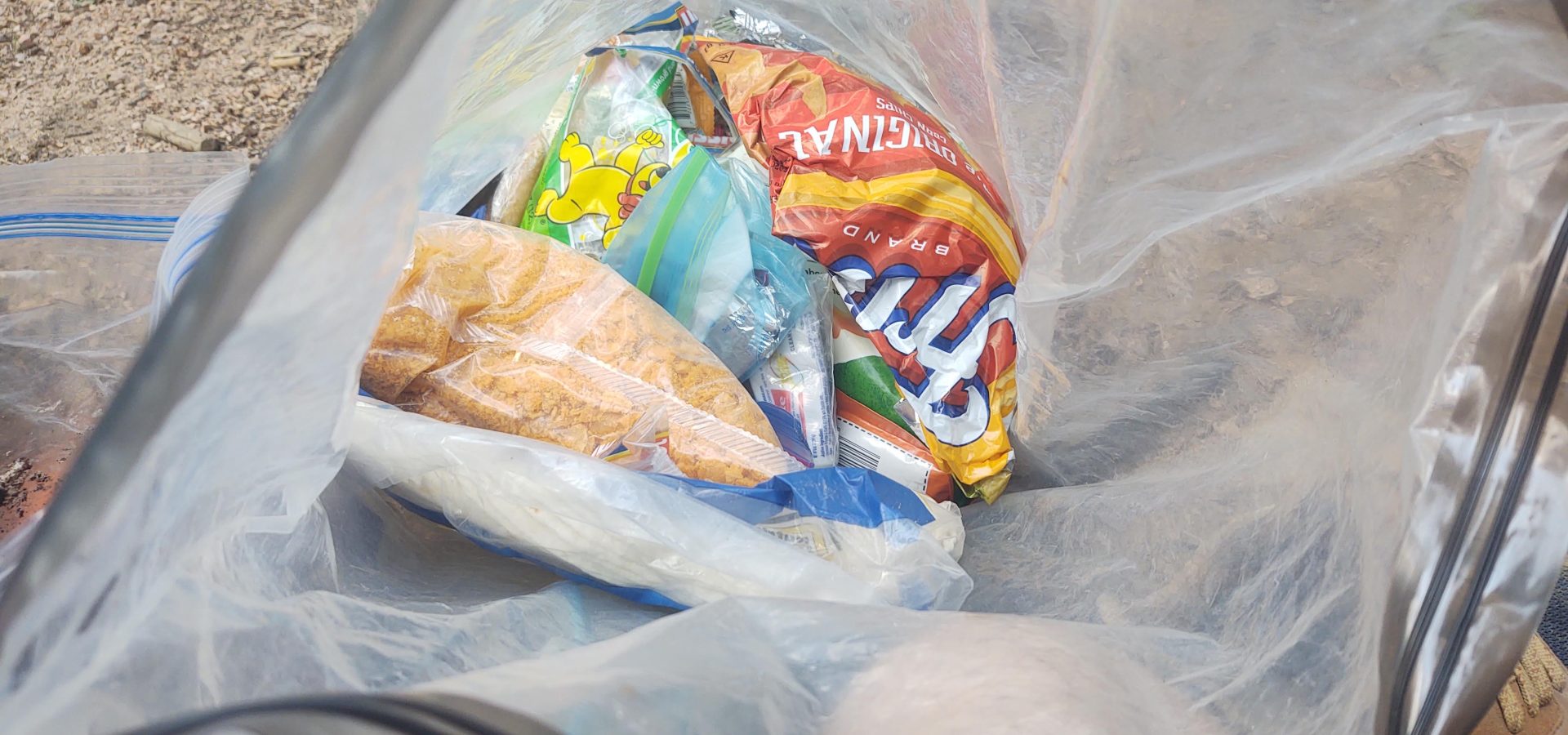
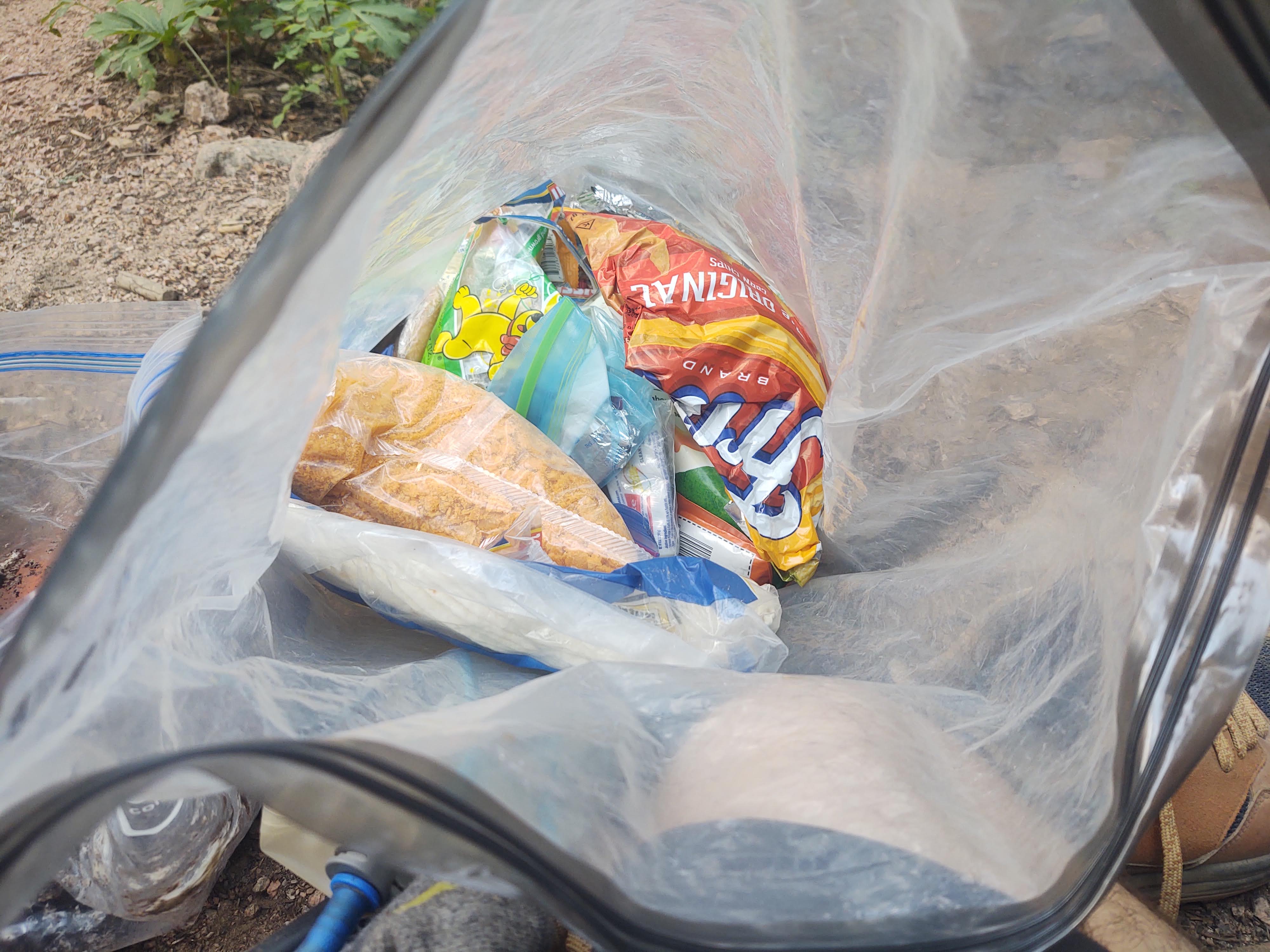
Planning your trail food is one of those tasks that shouldn’t be that hard, at least for some of us? That is until you find yourtself standing in a gas station station in some small town with 4 days of trail funk on you, and are trying to choose a resupply. Your eyes keep shifting between the wall of Fritos and Honey Buns, and you’re calorie counting without your phone because it’s hanging out of a wall socket, precariously charging.
The question “what should I eat on trail?” has a lot of right answers, but started this project for me was being forced to optimize an 8-day food carry with a 30+ mile water carry across the Grand Canyon, resupplying out of Grand Canyon Village during a blackout. I ended up concluding: buy all the nuts they have, and was surprised by how well that ended up working (with some yoging from rafts, of course)!
But if you want to be systematic about it, it helps to start with real data!
The Data Behind This
Every year, the USDA runs a large-scale dietary survey called the National Health and Nutrition Examination Survey (NHANES). Surveyors ask tens of thousands of Americans to recall everything they ate over the past 24 hours, down to portion sizes. The “What We Eat in America” (WWEIA) component covers the types and amounts of food people reported in those interviews.
The latest published dataset covers 2021 through 2023 and includes over 90,000 individual food datapoints. The USDA processes all of that into a food composition database: 4,400 foods, each with per-100g nutrient values calculated from actual consumption data across thousands of reported portions. That database is the backbone of this tool.
What the Optimizer Does
The tool contains all 4,400 foods categorized by no-cook and shelf-stable indicators, with full nutitional data and calorie densities! I’ve also grouped them by what may be available at a rural gas station vs. a grocery store.
Since my graduate-level econ course days, I’ve been kinda obsessed with the beauty of using linear programming to solve problems. As such, the optimizer itself uses linear programming to find the combination of foods that hits your calorie target with the lowest total weight, subject to a variety of trail-relevant constraints. For instance, you want more candy, right?
Isn’t that the goal of ultralight backpacking — to optimize the calories per ounce you carry while making your food strategy the nutritionally right choices for your food cravings at the time? You can even optimize for lowest cost or a more diverse food basket.
Note: I have some doubts about the food pricing contained in FoodAPS, as inflation across different categories has been pretty wild the past couple years, so don’t take it as gospel.
Set your body weight, daily calorie target, and store type, then run it. Standard LP mode returns results pretty quickly (although if this becomes too popular my poor server might die). The diversity constraint allows for broader food selection, so you’re not just getting corn oil 😉
Nutrition constraints are based on Dietary Reference Intakes (DRI) scaled to your body weight and the number of days you’re planning for. The “Optimal Nutrition” profile tries to meet meaningful minimums for protein, fiber, calcium, iron, and several vitamins. You can dial those back or turn them off entirely if you just want a calorie-dense list with no other restrictions. You’ll make that nutrition lapse up in town, right?
A Few Notes on Using It
Prices, store availability, and a few other odds and ends come from the USDA’s Food Acquisition and Purchase Survey (FoodAPS), which tracked real household food purchases. Where actual purchase data exists, those prices are used. Where they don’t, category-average estimates fill in. A green dollar sign in the food table means a real price; an estimated price is noted otherwise. I’ve updated the values to be inflation adjusted, so hopefully they’re ballpark right.
Dietary restriction filters (vegan, gluten-free, nut-free, and others) are based on USDA food category codes and description matching. The tagging is solid for the clear-cut cases. I would not rely on it for severe allergies without checking the actual product label.
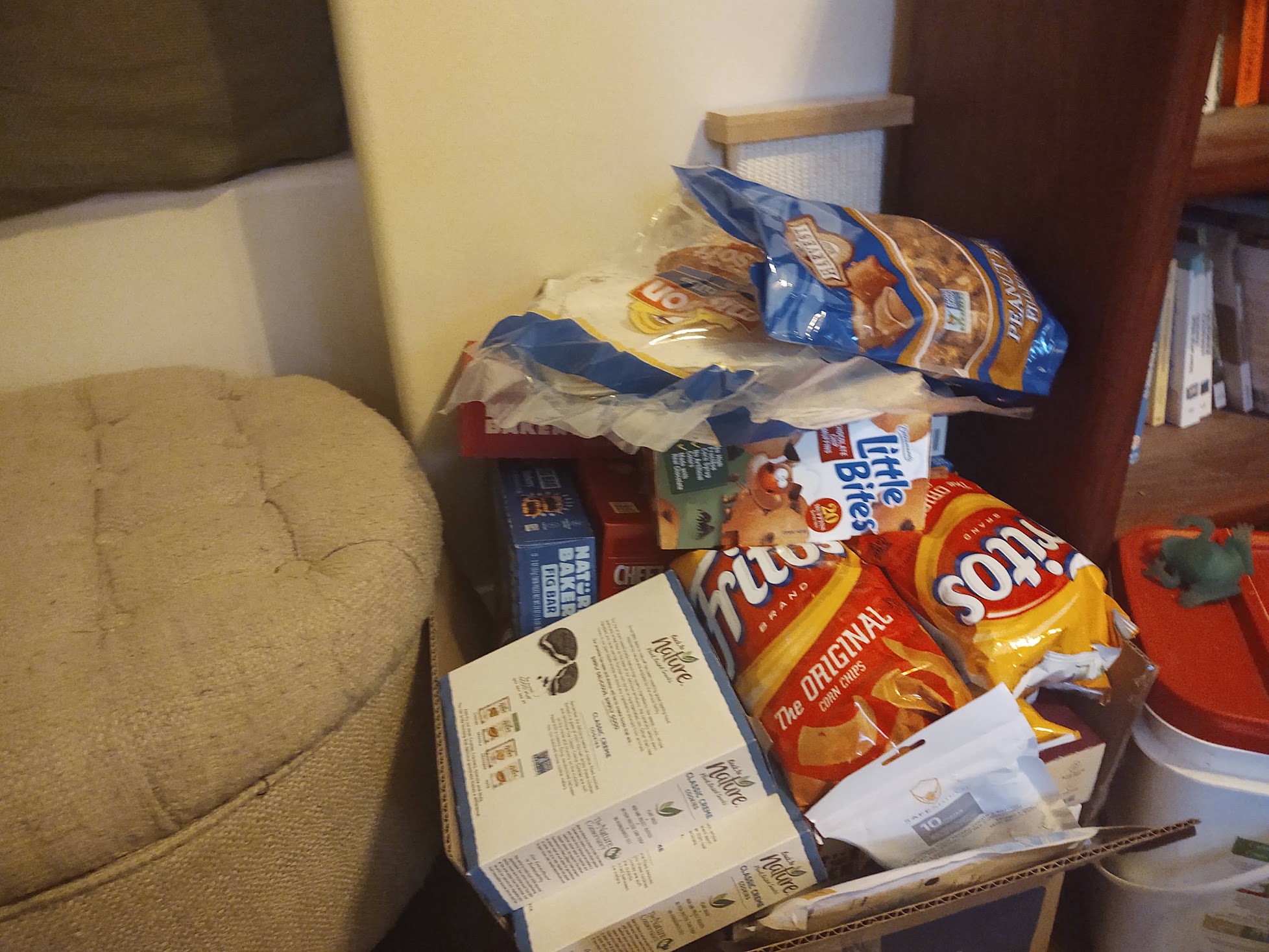
The optimizer is a planning tool, not a shopping list generator. Left unconstrained, it will tell you that 800 grams of sunflower oil plus some macadamia nuts is the most calorie-dense feasible basket. While that’s technically correct, it’s practically useless. Use the diversity slider and the grocery store filter to push results toward something you’d actually eat. You can even ban specific foods from appearing.
The goal is to build up some good heuristics to help guide your resupply considerations to help meet your desired pack weight (and nutrition goals — you have those, right?)
I’ve found this sort of thing most useful for sanity-checking calorie density and for poking around to see how I should structure my resupplies, and to better identify what sort of nutrient deficiencies I might be experiencing when I load up on the American Diabetes Starter Pack™ at the rural gas station.
Not all resupply towns are created equal, and that gap matters. Grocery store resupplies give you real choices, while gas station resupplies can sometimes feel restrictive. The store type filter in the optimizer is built based on purchase location data in the foodAPS and NHANES datasets, so hopefully lets you model a somewhat more constrained food basket based on what you might actually find on the shelf!
Give it a try and let me know if it’s useful!